Sell through the provider's own checkout
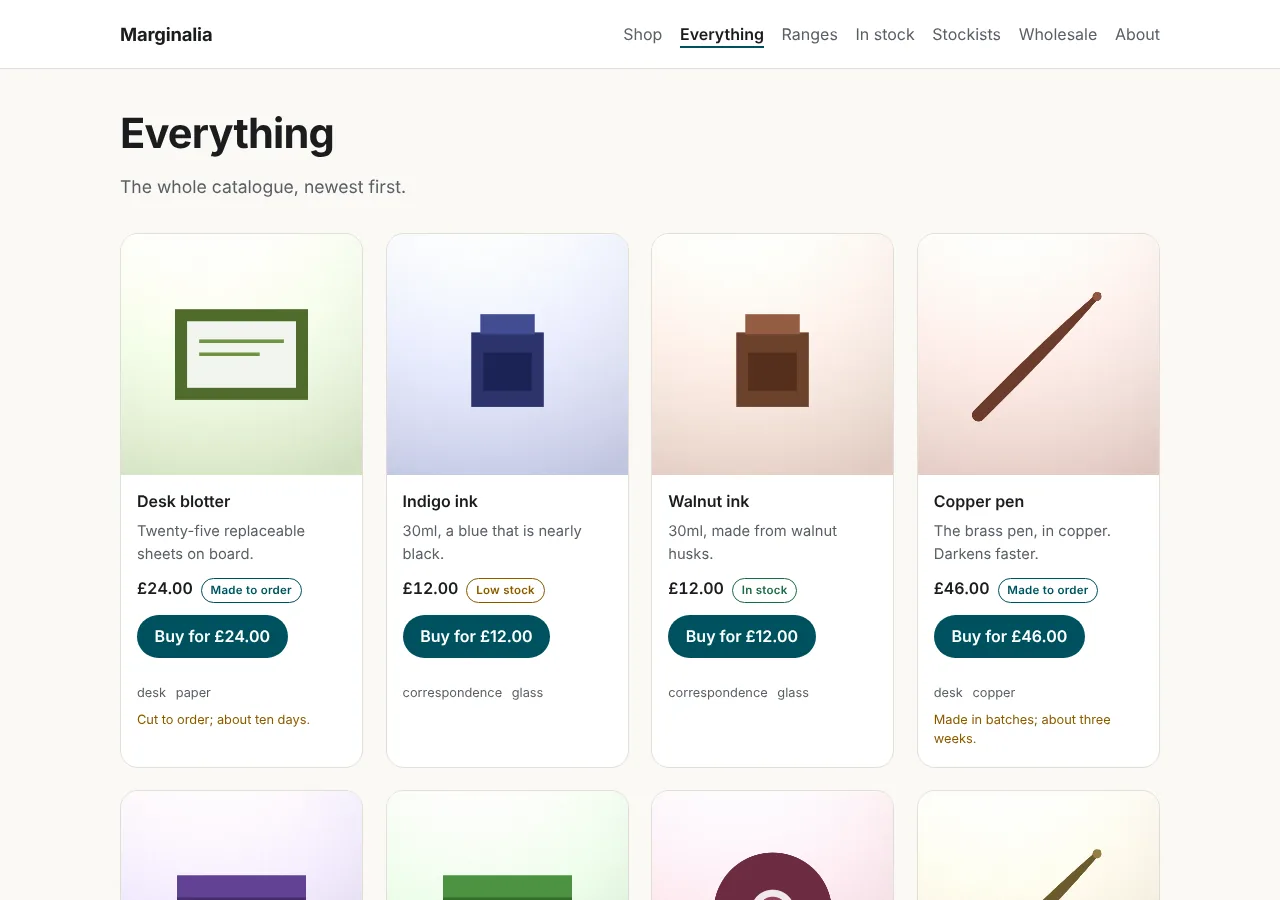
A Buy button beside every product that can be bought, charging exactly the price the page shows, with the card and the order kept by the provider and not here.
In the adminPayments
A payment link is a checkout at the provider for one product at one price. Quilzo makes one for each price the published catalogue offers, and shows a Buy button only where a live link charges exactly what the page says.
Turn payments on
Name the catalogue listing, if the site does not already serve one:
quilzo config set site.catalogue catalogue. A product needs a slug or an id, a name, a whole-number price in minor units (pence, cents) and a currency.Keep a Stripe key sealed in the store. A restricted key is enough, and it is safer than a secret key, which can also refund, pay out and read every customer. Allow it to write Prices, Products and Payment Links, and to read Checkout Sessions:
quilzo secret set stripe < key.txtOr set
QUILZO_SECRET_STRIPEin the admin's environment. A test key (rk_test_…) takes test payments; the screen says which you have.Ask for payments to be turned on. A second administrator approves it, in Approvals or with
quilzo pending approve ID, because from then on a price on a page is a price somebody pays. A store with only one administrator approves it alone, and the record says so.quilzo pay enable stripe --ship-to GB,IE --done "Thank you. We post within two working days."--ship-tolists the countries the checkout asks for a delivery address in; leave it out for downloads, services and collection.
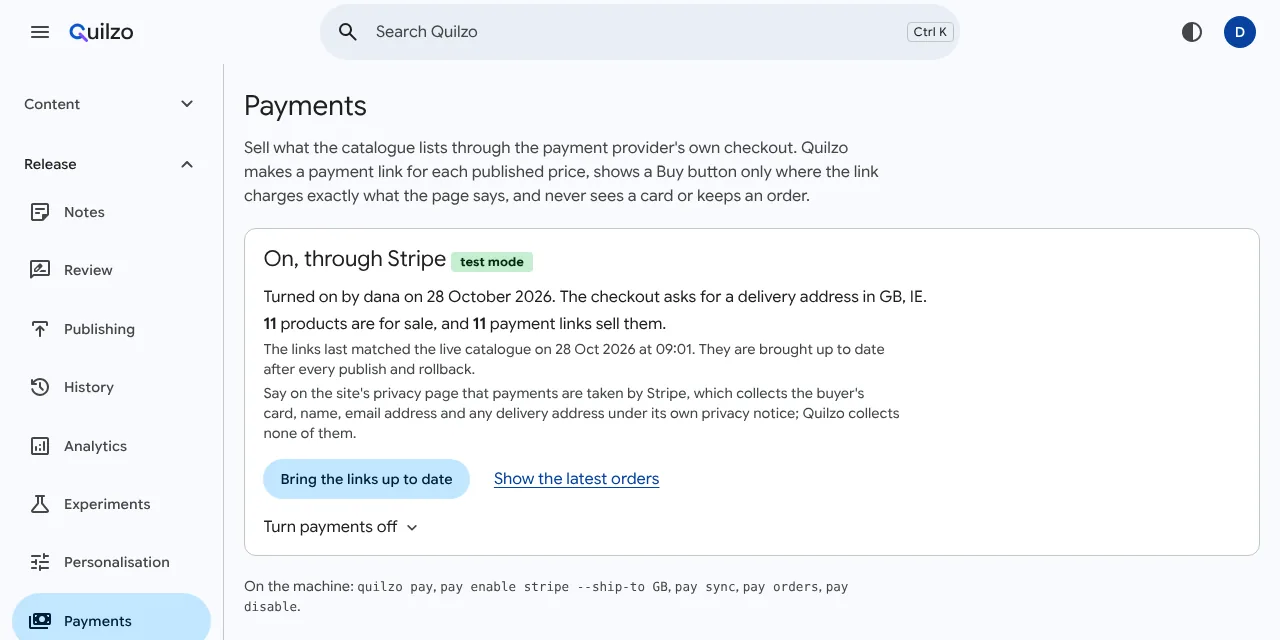
In the admin, Payments, under Release, says what is still missing, asks for the second administrator, and shows test or live mode once payments are on.
How the links follow the prices
- After every publish, rollback and scheduled publish, the links are brought into line with the live catalogue. A new price gets a new link first; then the old one is retired, so a product is never without a way to buy it at the price the page shows.
- A product that is sold out, out of stock or discontinued, or has no price, gets no link and no button.
- While Stripe cannot be reached, a changed price shows no Buy button, never one charging the old price. The screen and
quilzo paysay what stopped, andquilzo pay syncor Bring the links up to date tries again. - The button names the price it charges. A page may show a price written by hand beside the number it sells at, and the button is what is paid.
Sell a subscription
A catalogue row with "interval" set to week, month or year is sold as a subscription. Its price at Stripe is a recurring one, its payment link starts a subscription, and its Buy button says how often, such as Buy for £12.00 a month. Monthly and yearly at the same price are two offers, each with a link of its own. A row whose interval is anything else is not offered at all, and shows no button. The subscription is kept at Stripe, as orders are.
What Quilzo keeps, and what it never does
| Thing | Where it lives |
|---|---|
| Card numbers, names, email and delivery addresses | At Stripe, collected by its checkout under its privacy notice. Never here. |
| Orders | At Stripe. quilzo pay orders and Show the latest orders read the latest from Stripe when somebody asks; nothing is written down, and the audit log records that somebody looked, not who bought. |
| The Stripe key | Sealed in the store, read by the admin only, over a connection declared as the payments purpose so an isolated deployment can see and refuse it (see Isolated deployments). |
| The payment links | In the store, read by the site. The confined site proves at start that it cannot write them, because a site that could would be able to send every Buy button to somebody else's checkout. |
Say on the site's privacy page that Stripe takes the payments. A site built with Build a whole site has a privacy page to add it to.
Turn payments off
quilzo pay disableOne administrator can do it. The Buy buttons go at once, and every payment link is retired at Stripe, so a link somebody copied stops selling too. Orders stay at Stripe. Pages carrying listings change their ETag with the links, so a browser holding the page is not told it still has the current one.