Single sign-on with OIDC and SAML
Sign in through the identity provider you already run.
In the adminSingle sign-on
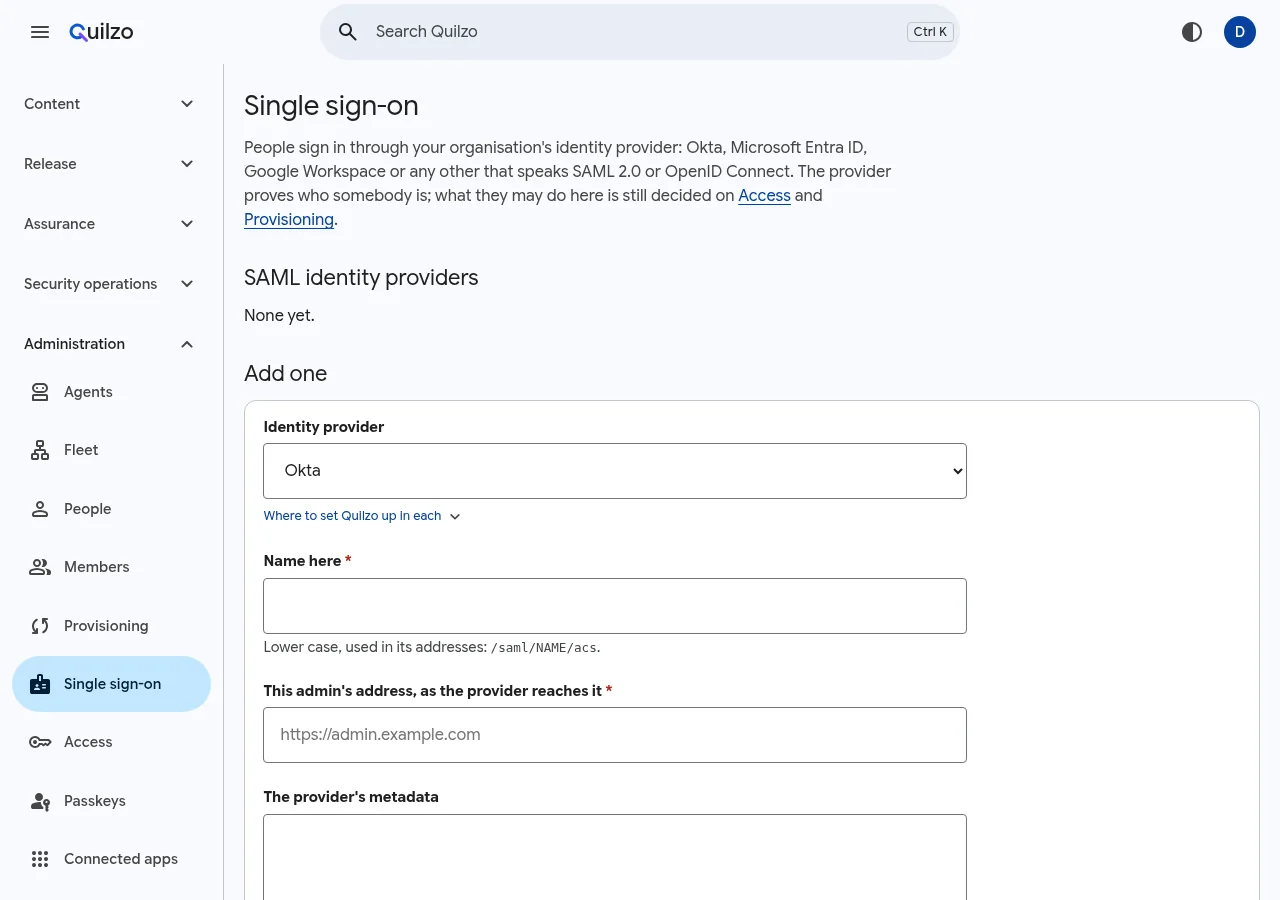
OpenID Connect
quilzo oidc configure --provider google --domain example.com
quilzo oidc configure --provider microsoft --tenant TENANT
quilzo oidc configure --issuer https://idp.example.com --client-id ID
quilzo oidc check
SAML
quilzo saml presets
quilzo saml add okta --metadata metadata.xml --url https://quilzo.example.com --preset okta
quilzo saml add okta ... --fingerprint SHA256   # trust its key, once you have checked it
Presets: Okta, Microsoft Entra, Google, JumpCloud, OneLogin, PingOne, AD FS and Keycloak. Single sign-on can be required, with named break-glass accounts that keep working when the provider does not.