Events that leave the page when they are over
Add an event with its date, time and place. The site lists it, gives it a page, puts it in a calendar visitors can subscribe to, and takes it off when it is over, with nothing to publish.
Events are records the site knows are events: each has a date, perhaps a time, and a place or a link to join. The listing that site.events names says which records they are. From it come an events section on any page, a page for each event, a calendar at /events.ics, and Event data for search engines.
Set it up
On the Make screen, under Ready to add, choose Events and Check it. Checking installs nothing: it shows what would be added, and you install it from there. Or run:
quilzo events setup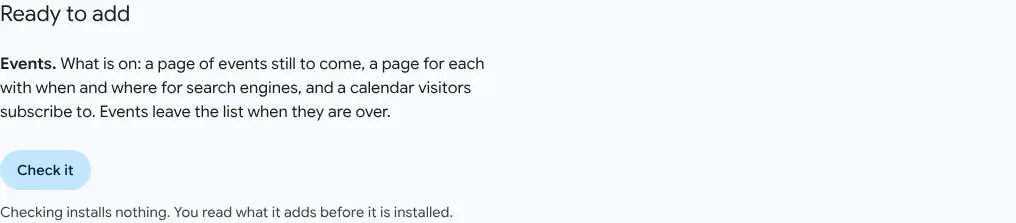
Both install one feature, as one decision on the record:
- an event type and an events collection for it;
- two listings:
upcoming_events, what is still to come, andpast_events, what has been, newest first; - an events page with an events section, and an event page that shows each event at
/event/its-page-link; site.eventsset toupcoming_events.
Installing takes whoever may install a feature. Removing it with quilzo feature remove events takes back what it added and keeps the events people entered, and the site stops serving a calendar.
Then set the site's clock, on the Settings screen or with quilzo config set site.timezone Europe/London. Times are written as the people going say them, so 19:30 means half past seven where the site is. Until the zone is set, the clock is UTC, and a calendar entry would be an hour out for half the year in a place with summer time.
Add an event
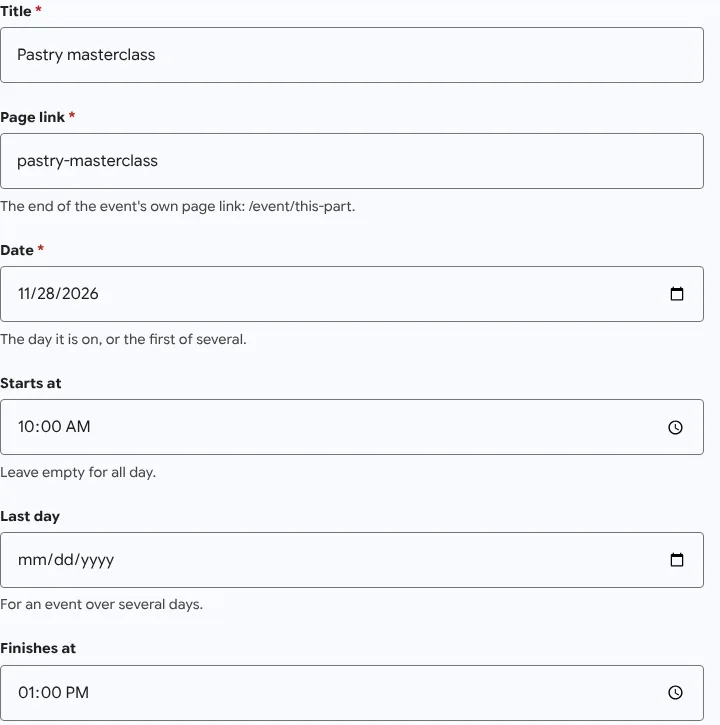
On the Data screen, open the events collection. The form is the type's: a date picker for the date, a time picker for the times, and a list to choose a status from. Write it as JSON instead is there for anything the form does not show.
From the command line:
quilzo records add events title="Rye night" slug=rye-night date=2026-11-14 time=19:30 until=21:00 venue="Crumb, the bakery" price=£5Events are content like any other: they reach visitors when you publish.
| Field | What it holds |
|---|---|
| Title, Page link | Its name, and the end of its own page's address. Both are required. |
| Date | The day it is on, or the first of several. Required. |
| Starts at, Finishes at | Times of day on the site's clock. With no start time, it is all day. A finish earlier than the start is after midnight. |
| Last day | For an event over several days. |
| Venue, Location | The name of the place, and its street and town, so a map and a calendar can find it. |
| Online at | Where to join, for an event online. |
| About it, Picture | A summary, and a picture from the media library with what it shows. |
| Price, Tickets | The price as it should read (£5, or Free), and where tickets are sold, when somewhere else sells them. |
| Status | Cancelled, postponed, moved online or rescheduled. Empty while it is on as planned. |
What visitors see
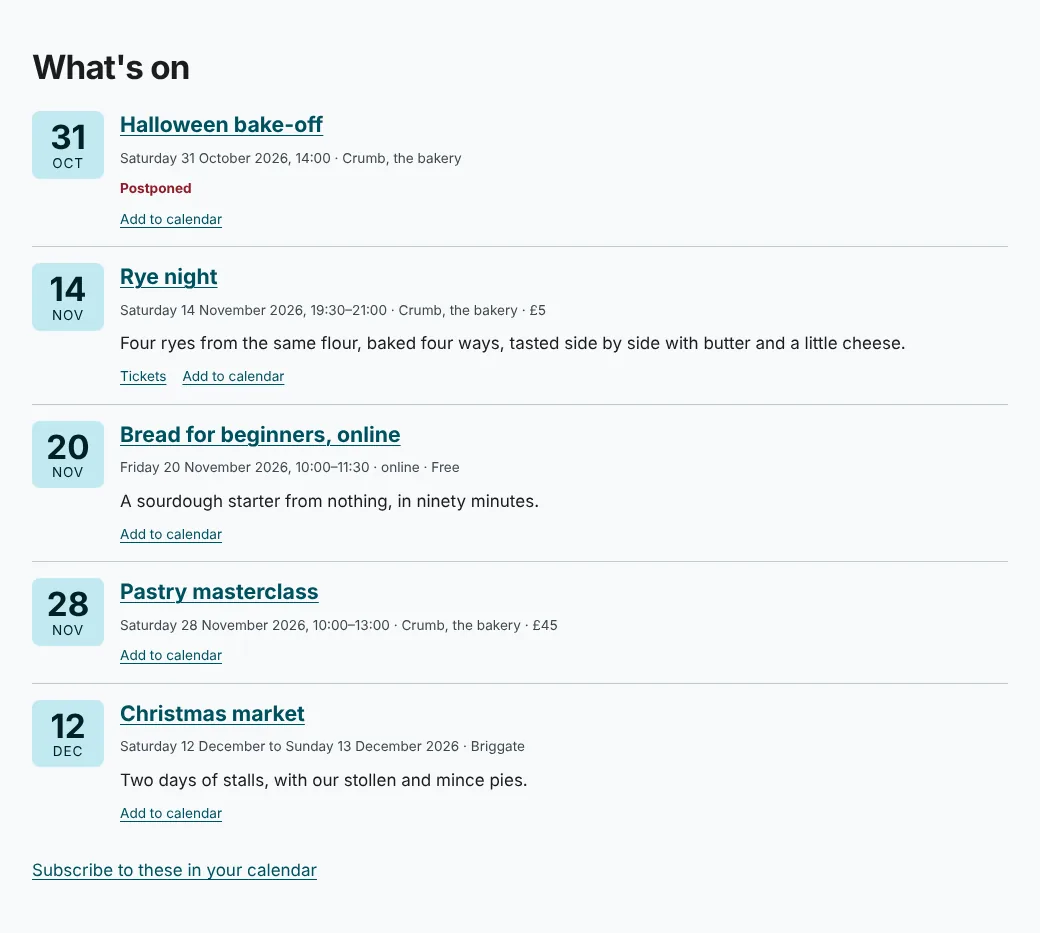
An events section can go on any page, in the page's editor or with quilzo section add PAGE events. It lists what is still to come in date order: the date and time in words, the place and the price, a status when there is one, links to tickets and to add the event to a calendar, and a link to subscribe to them all. Give it a title, a line under it, how many to show and what to say when nothing is planned.
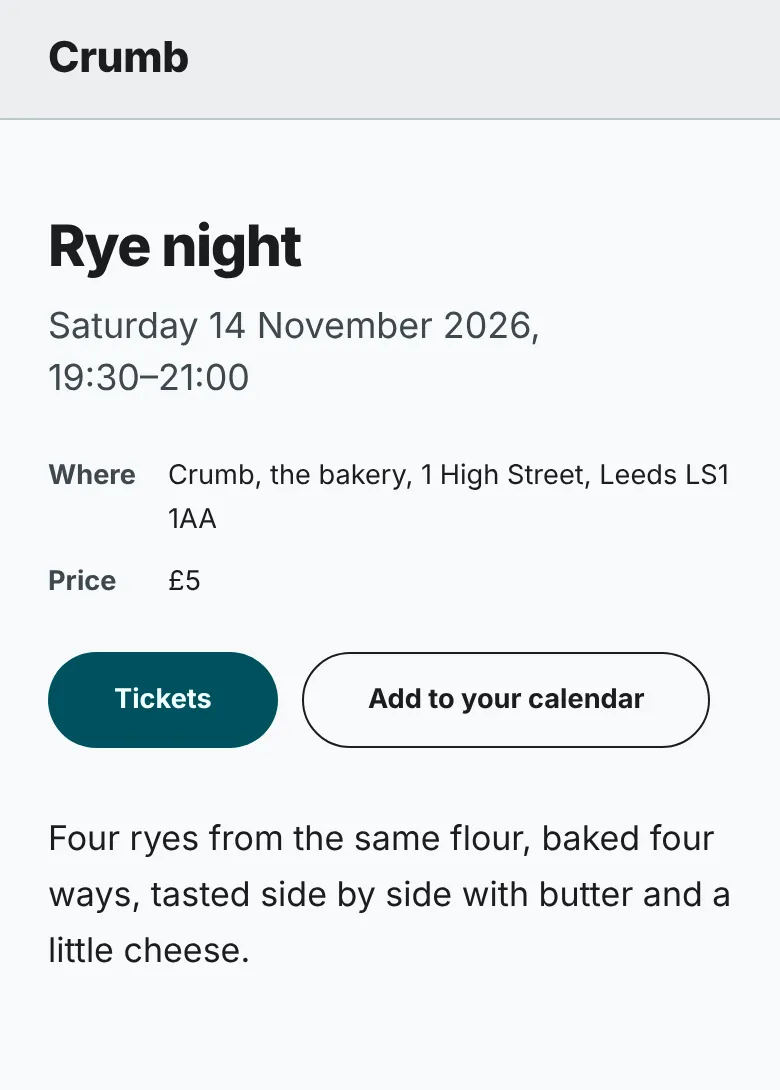
Each event has a page of its own, with its picture, where it is, the price, tickets, and a button to add it to a calendar. A cancelled or postponed event says so at the top of its page and beside it in the list.
When it is over
An event leaves the list when it is over, by the site's clock, with nothing to publish: at its finish time when it has one, and otherwise at the end of its last day. Its page then answers not found, and it leaves the calendar. A page showing events is never answered "not modified" with one that has ended.
What has been is in the past_events listing. For an archive, add a listing section with it to a page.
Calendars
/events.ics is every event still to come, as a calendar. Google Calendar, Apple Calendar and Outlook subscribe to it by its address, and keep up as you add, change and cancel events, each on its own schedule. Each event's Add to calendar is a file with that one event. A cancelled event is marked cancelled in the calendar, and a postponed one tentative, with the status in its title.
Every page links the calendar in its head, where a calendar app or a feed reader looks for it, and /llms.txt lists it for agents.
Search engines
Each event's page carries schema.org Event data: when it starts and ends with the offset of the site's clock, the place or the link to join, whether it is in person or online, its status, and the price or that it is free. It is what search engines read for their event listings, and what an assistant reads to answer when and where. The page of an event is never described as a product, even when it has a price.
Agents
- Your site crew. Over MCP,
upcoming_eventsgives an agent what is on, as the events page lists it, with the site's time zone. It adds an event by writing a record to the events collection withwrite_record, and sets events up on a site by proposing the packagequilzo events exampleprints, withpropose_feature. A person installs it. - From the command line.
quilzo events listshows what is on, at the live site. Add--jsonfor a program.
Moving events
The calendar at /events.ics takes what is still to come to any calendar or events service that reads iCalendar. quilzo records list events --json gives every event, past ones too, and quilzo records import events rows.json brings many in one commit. The setup itself moves as a feature: quilzo feature export events on one site, install on another.
What it is, and is not
One events listing per site, and events that are records. An event that repeats, such as a class every Tuesday, is one record for each date. Tickets are sold elsewhere and linked, or sold as a product in your catalogue (see Selling). To ask who is coming, add a form or a booking section to the event's page.
A site made before this version shows the events section and each event's page only once it has the latest layout: choose your starter again under Design, or run quilzo template use sections --force. quilzo events setup says so when it is needed.