The content API and the command line
The content API for applications, and the command line for scripts, pipelines and agents.
In the adminAPI
Serve the content API
quilzo site --api                 # read-only, at /api/v1
quilzo site --api --api-writable  # PUT allowed; every write needs If-Match
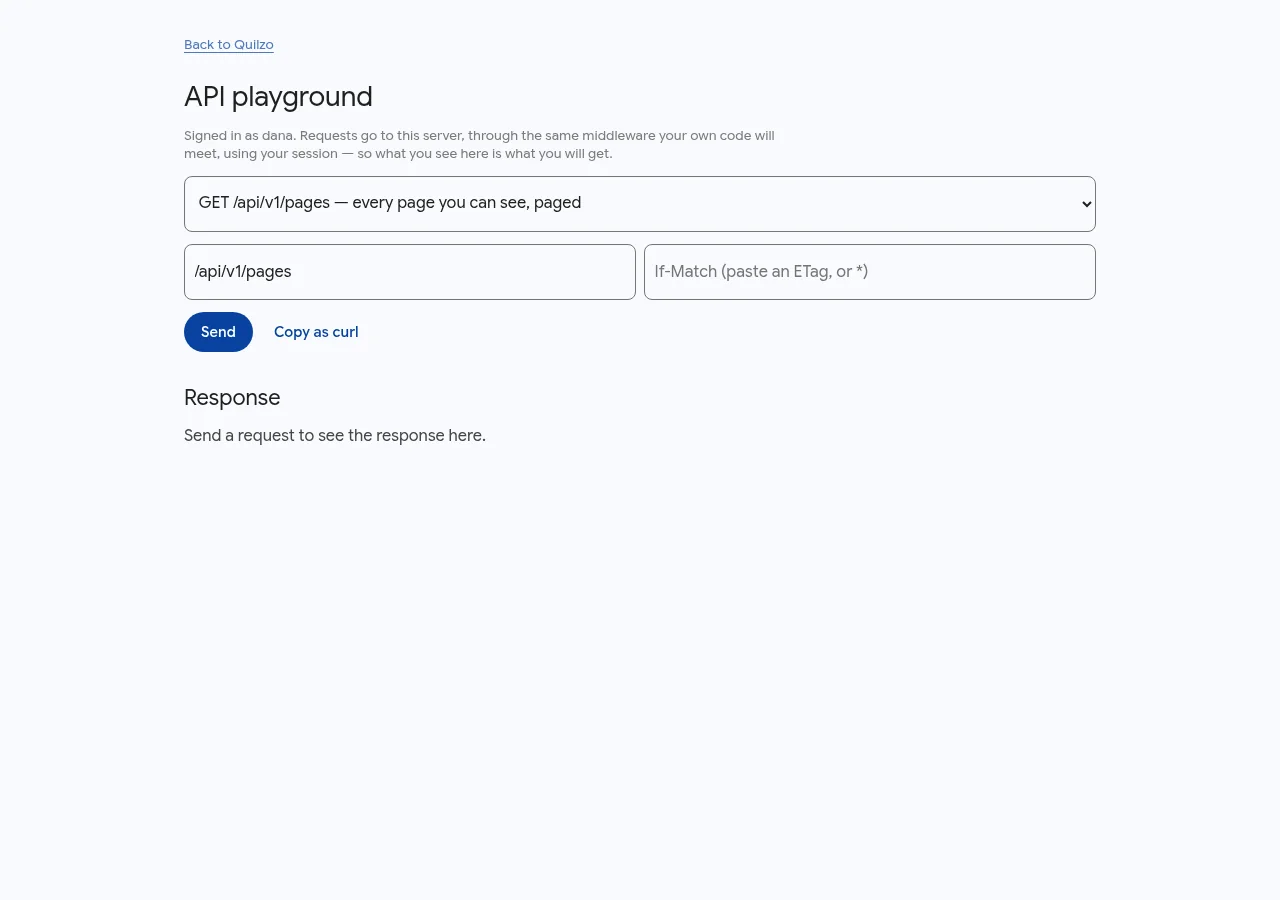
A write must carry the version it was based on, so two writers cannot silently overwrite each other. Try it against your own store in Reference › API.
The command line
Everything the admin does, the command line does, through the same code. quilzo help lists every command. Each takes --json and then writes one JSON document to stdout, and --root DIR chooses the store.
| Exit code | Means |
|---|---|
0 | Success |
1 | Failed |
2 | Misused |
3 | Refused by a gate |
4 | Not found |
5 | A required dependency was missing |
A gate refusing (3) is not the command failing (1). Branch on the code, not on the wording, which is free to improve. The command line finds its token in --token, then ~/.quilzo/token, then QUILZO_TOKEN.