Pages, sections and the editor
Pages are fields, not markup, and every version of every page is kept.
In the adminPagesSectionsNotes
A page is a set of fields; what it looks like is the template's job, so the same page can be a web page, a feed entry and an API response. Every change writes a new object named by its hash, and nothing is overwritten.
Write and change pages
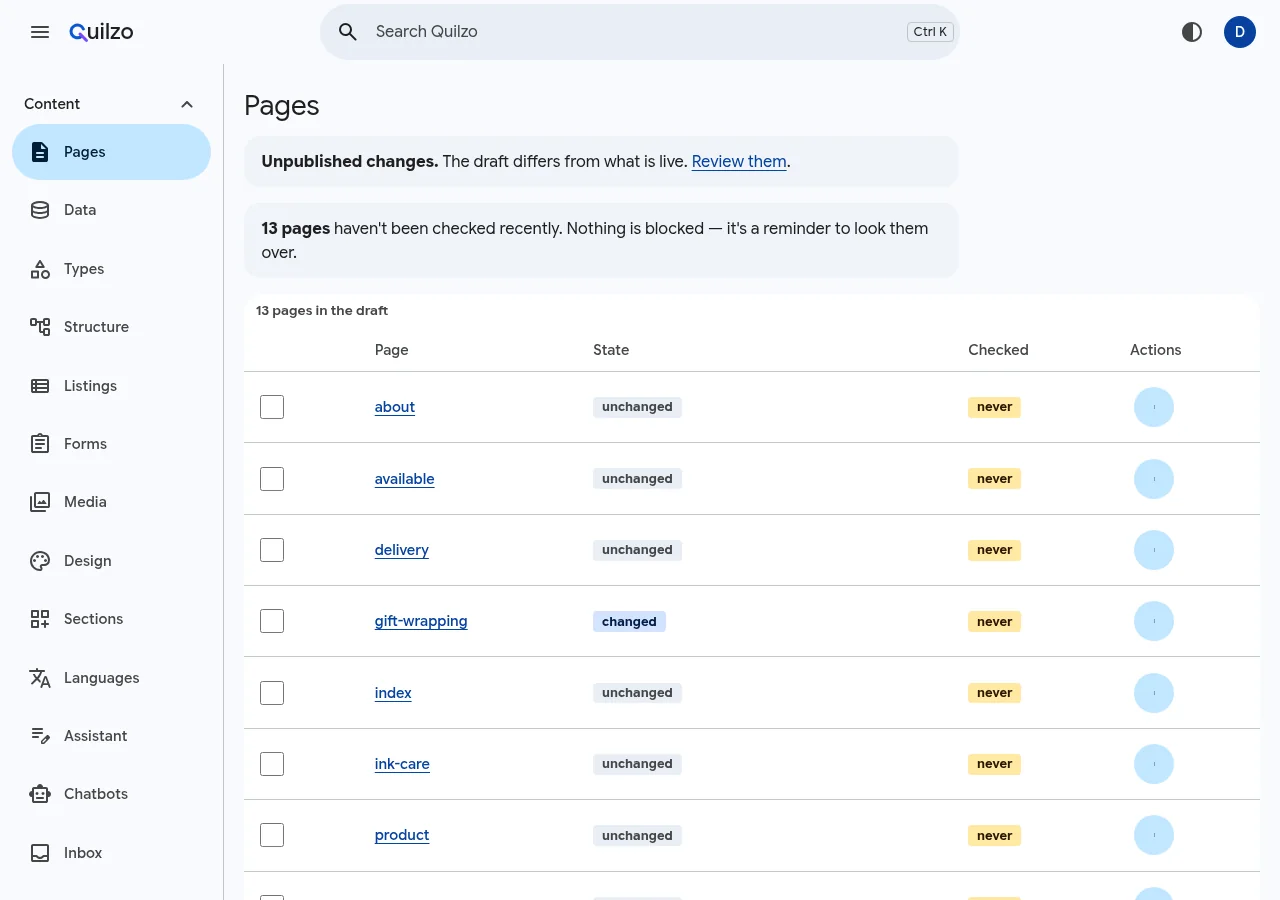
Open a page to edit it. A page bound to a type gets a form built from the type; any other page gets a form over its own fields. From the command line:
quilzo add returns=returns.json     # stage a page into the draft
quilzo diff                          # what differs from live
quilzo log                           # the history
Build a page from sections
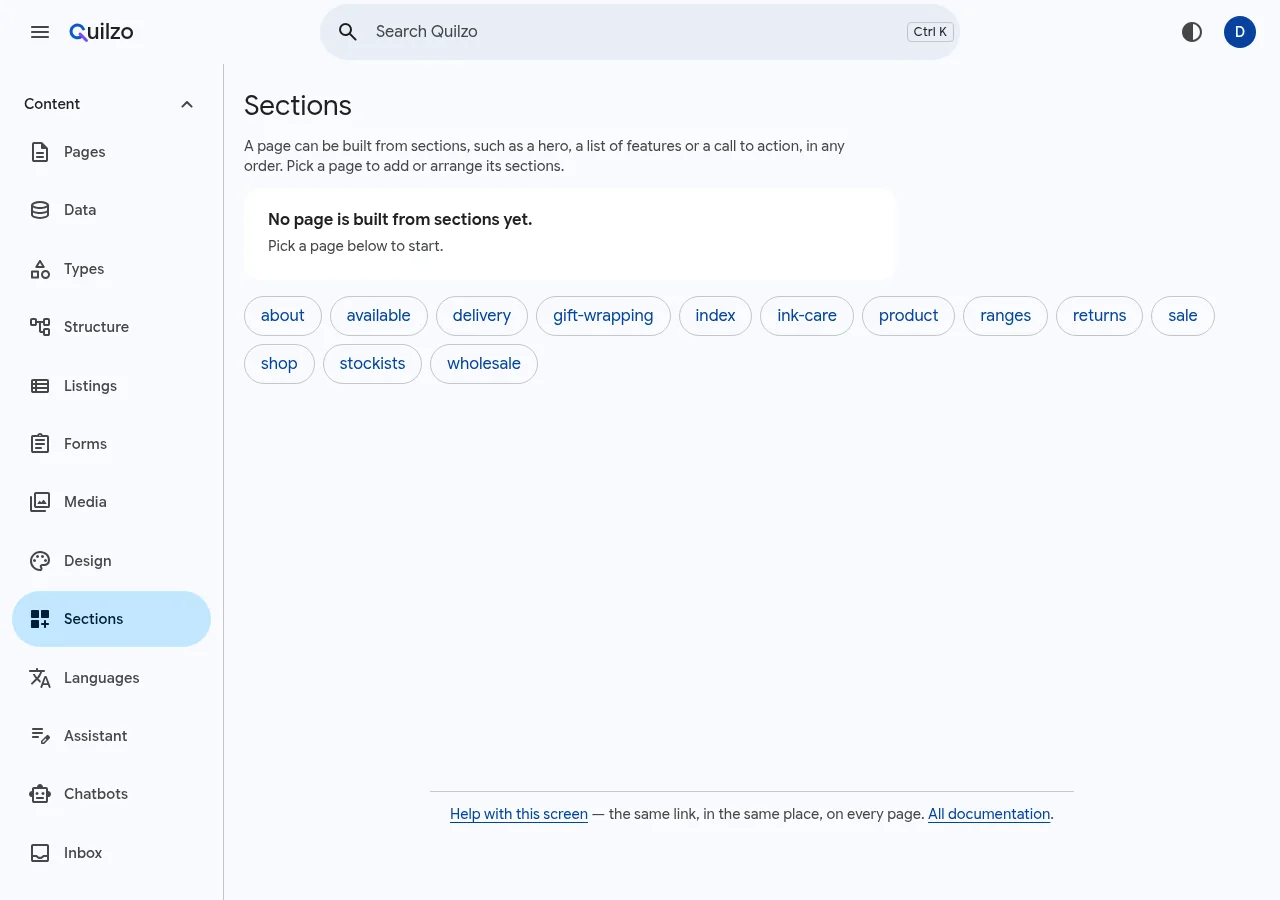
| To | Run |
|---|---|
| See what a page can be built from | quilzo section kinds |
| List a page's sections | quilzo section list PAGE |
| Add one | quilzo section add PAGE KIND |
| Reorder | quilzo section move PAGE N up |
| Change what one says | quilzo section set PAGE N path=value |
Working together
| To | Run |
|---|---|
| Claim a page for 30 minutes | quilzo lock PAGE --note "..." |
| Say what is wrong with a page | quilzo note add PAGE "..." |
| Confirm a page is still right | quilzo checked set PAGE --every 168h |
| Move a page and everything under it | quilzo move OLD NEW --dry-run |
| Find broken links | quilzo links --broken |