People, roles and permissions for working with agents
Who may do what, where, and until when.
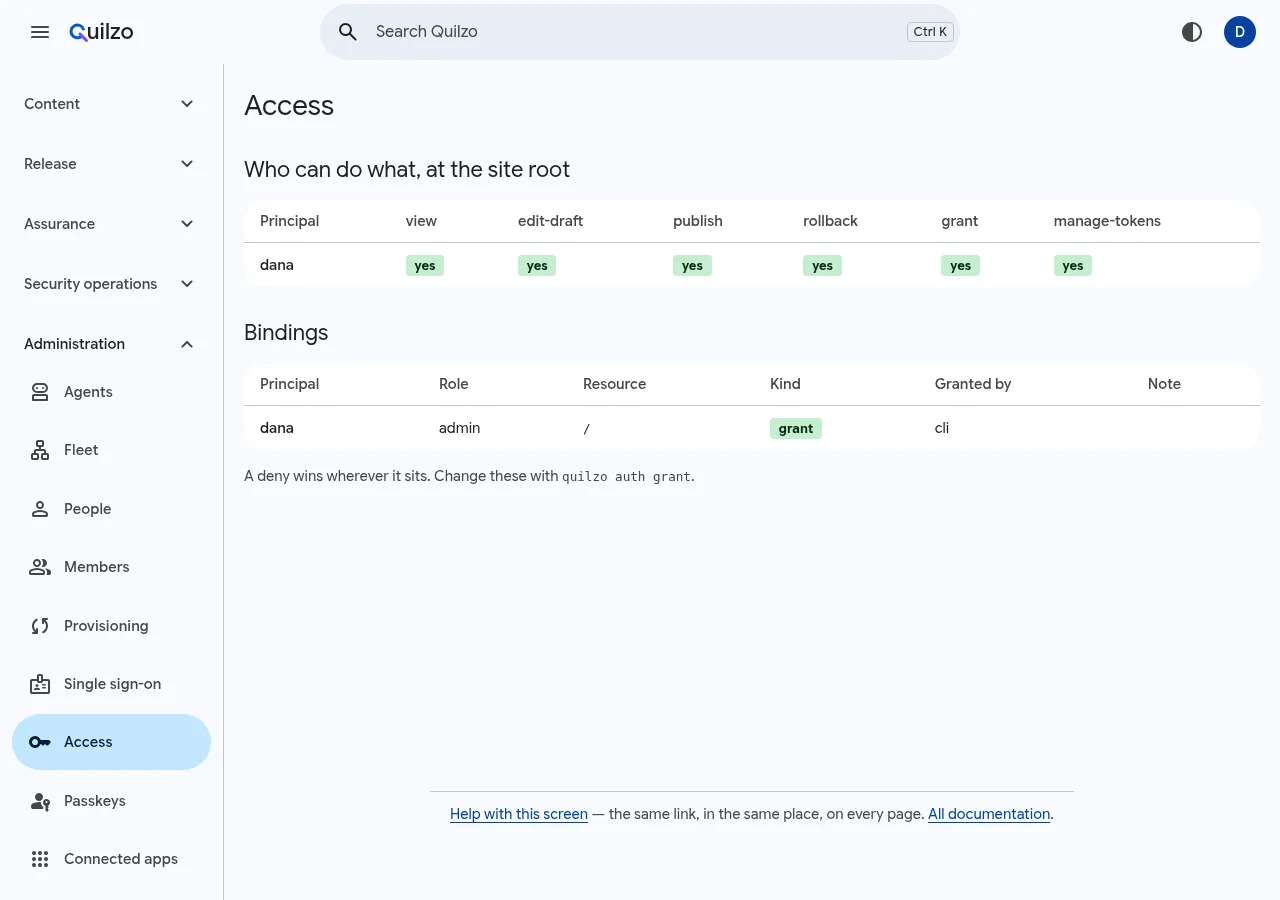
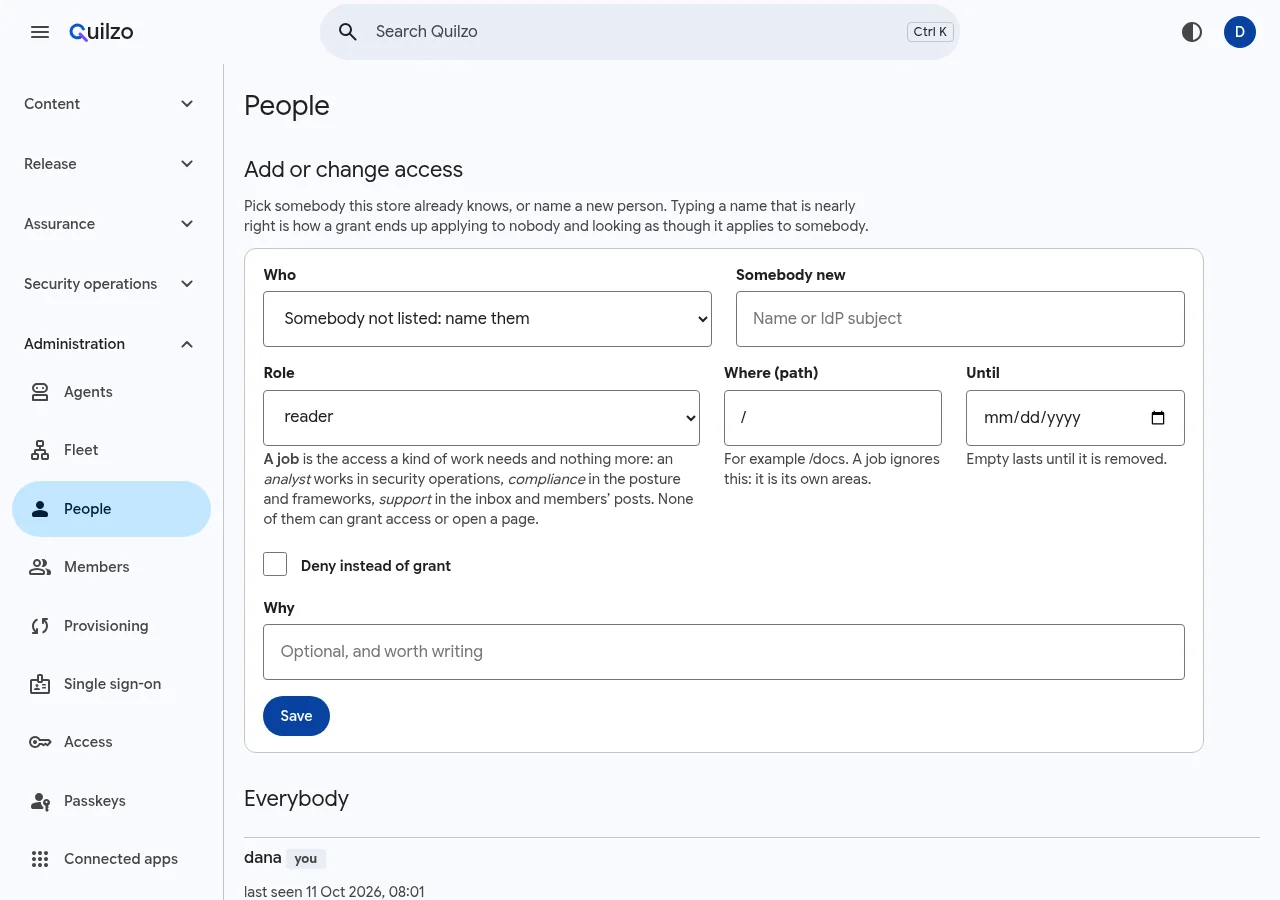
In the adminPeopleAccess
| To | Run |
|---|---|
| Grant a role on part of the site | quilzo auth grant dana author --on /help |
| A job that must end | quilzo auth grant sam analyst --for 30d |
| Access that ends by itself | quilzo auth grant ... --until 2026-12-31 |
| A deny wins wherever it sits | quilzo auth deny sam publisher --on /legal |
| Why somebody can or cannot | quilzo auth explain sam publish |
| Take a grant back | quilzo auth revoke sam author --on /help |
| Let somebody decide one agent's runs | quilzo auth grant mo approve --on /@agents/newsletter |
| Give somebody a role an app declares | quilzo auth grant tess lab-samples/technician |
| Let somebody work on one collection of records | quilzo auth grant tech author --on /@data/samples |
| Break-glass when every admin token is lost | quilzo auth recover |
Roles: reader, author, publisher and admin. Jobs: analyst, compliance, support and auditor, each of which must end. An agent is a principal too (see agents as principals).
Permissions for working with agents
Roles decide what somebody may do to content. Working with agents brings decisions that are not about content, and each has a permission of its own:
| Permission | Lets somebody | Comes with the role |
|---|---|---|
run-agents | Start an agent's run | author |
approve | Decide what an agent waits for a person to decide, and calls held through the MCP gateway | admin |
manage-agents | Declare and change agents: what they may do, their credentials, evaluations and lessons | admin |
use-models | Use the store's models: the writing assistant, drafting, and the model gateway | author |
install-features | Install, remove and roll back features | admin |
A store that grants none works as before: each permission comes with the role in the last column. Any of them can also be granted on its own, on part of the store. /@agents is every agent and /@agents/NAME one of them:
quilzo auth grant mo approve --on /@agents/newsletter
quilzo auth grant kai manage-agents --on /@agents/newsletter
quilzo auth grant lee use-models
On the People screen, a permission is one of the choices beside the roles and jobs. A permission is a binding like any other: it can end by itself, it can be denied (quilzo auth deny ed approve --on /@agents/payroll), and quilzo auth explain names it. Identity provider groups named after a permission grant it over the store, as groups named after a role do.
Who approves an agent's actions
What an agent waits for is decided by whoever answers for it, not only by administrators:
- the agent's sponsor (see agent identity);
- whoever holds
approveon the agent, or on all agents; - whoever holds
approveon the page the action would change.
Approvals shows each person what they may decide, and they open and decide those runs without the rest of the agents studio. A model never decides. Naming an agent's sponsor stays an administrator's decision, because whoever could name the sponsor could name themselves and approve what they changed.
Tokens and permissions
A token caps what its session may do. Signing in with an identity provider or a passkey gives a session the highest role the person holds anywhere, so an analyst, administrator of /@security, signs in as an administrator, and the policy still keeps them to security. A permission granted on its own is capped by the token's path and its limits, so a reader's own token can use the approve permission they were given. A read-only token never uses a permission, and a permission that comes from a role is capped by the token's role, as everything else is.
Roles in an app
An app built from a feature has people of its own: a lab has technicians who record samples and a manager who publishes the samples page. The feature declares those roles over its own records, pages and agents (see roles a feature declares), and you give them to people:
quilzo auth roles                              # every role the installed features declare
quilzo auth grant tess lab-samples/technician --for 90d
quilzo auth revoke tess lab-samples/technician
On the People screen, a role in an app is one of the choices, and somebody who holds one sees it as one row with what it grants. A role is the bindings it stands for, each marked with the role, so quilzo auth explain names it, and it is removed whole: revoking one of its bindings by hand changes nothing. An identity provider group can be mapped to one (see Provisioning).