Get started with Quilzo in ten minutes
From nothing to a running admin, a published site and your first agent, in the order Quilzo needs them.
In the adminGet startedFindYou
Quilzo is a self-hosted control plane for AI agents. Each agent has a declaration saying what it may do, and one gate enforces it on every action. A person decides on the actions that matter, and every run is recorded in a signed log. It ships as a single program with no dependencies.
This guide takes about ten minutes. You need a terminal on Linux, macOS or Windows. A model is optional: an agent can walk its declaration without one, and you can connect a model at the end.
Install and sign in
-
Get the program
Build it from source with Go 1.27. There are no third-party modules to download, and no release is published yet.
git clone https://github.com/Quilzo/Quilzo && cd Quilzo
go build -o quilzo ./cmd/quilzo
sudo install -m 0755 quilzo /usr/local/bin/quilzo
Install and run it for real covers the container image and running it as a service.
-
Create a store
A store is a directory holding everything Quilzo keeps: content, history, access policy, credentials, agents and the audit log. Back up that one directory and you have backed up everything.
quilzo initcreated .quilzo content is immutable and addressed by hash; publishing moves a pointerCommands use
.quilzoin the current directory. Pass--root DIRto use another. -
Make yourself an administrator and get a sign-in token
Access is granted before any credential exists. The policy names who may do what, and a token only proves you are one of those people.
quilzo auth grant you admin
quilzo token issue you --principal you --role admin
granted admin to you on / you can now: view, edit-draft, publish, rollback, grant, manage-tokens on /The token is printed once, and only its hash is stored. Save it to
~/.quilzo/tokenwith mode 0600 and the command line uses it from then on; the command line also accepts--tokenorQUILZO_TOKEN. If you lose it, issue another and revoke the first withquilzo token revoke ID. -
Load something to work on (optional)
quilzo demoinstalls Marginalia, a small paper shop: pages, a product catalogue as structured records, images, listings and forms. Every screenshot in this manual was taken from it.quilzo demoMarginalia is installed. A paper shop: products as structured records, a catalogue a machine can read, … 11 page(s), 15 record(s), 12 image(s), 7 listing(s), 2 form(s) -
Open the admin and sign in
The admin listens on loopback by default.
--openopens it in your browser.quilzo serve --openPaste the token from step 3. Once you are in, you can add a passkey under Administration › Passkeys or connect single sign-on (see Single sign-on).
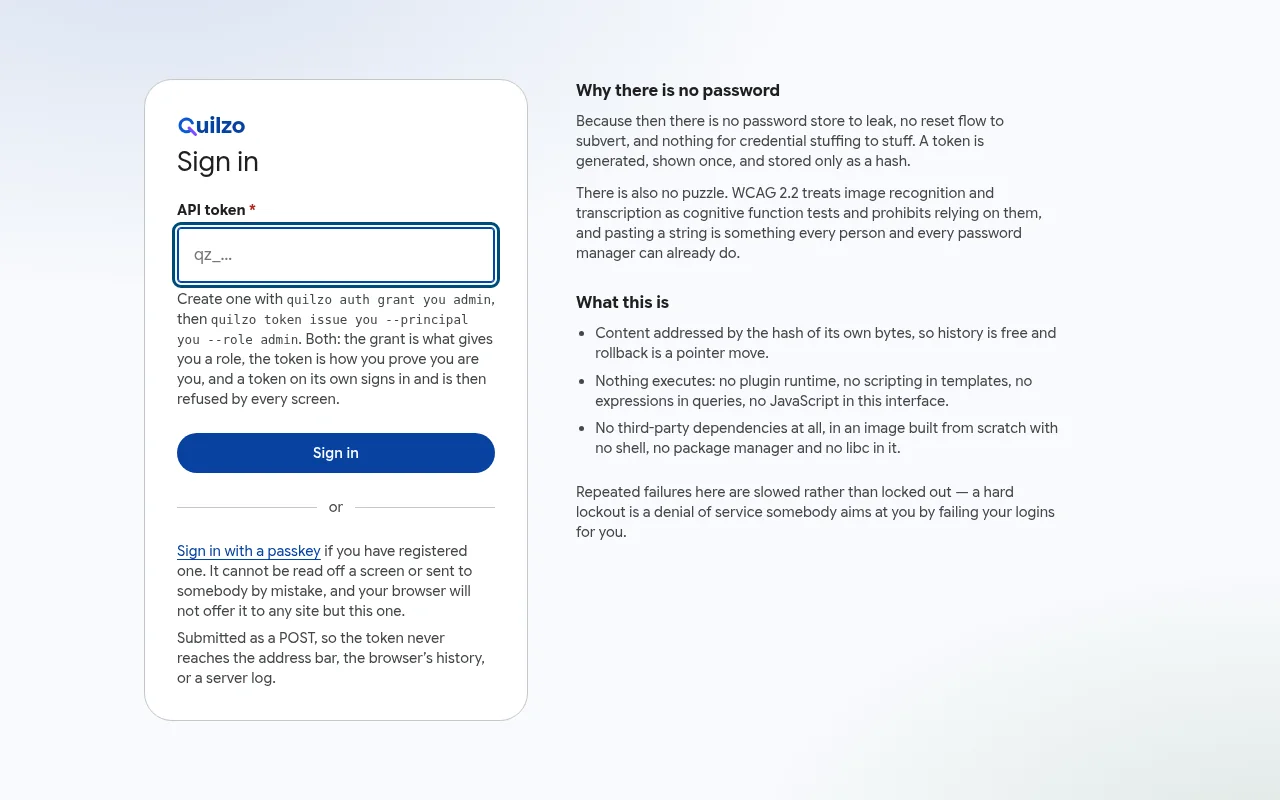
Signing in with the token. There is no password to store or reset.
Find your way around the admin
The Get started screen opens the first time you sign in. Its checklist ticks each step when the store shows it is done, not when you click past it.
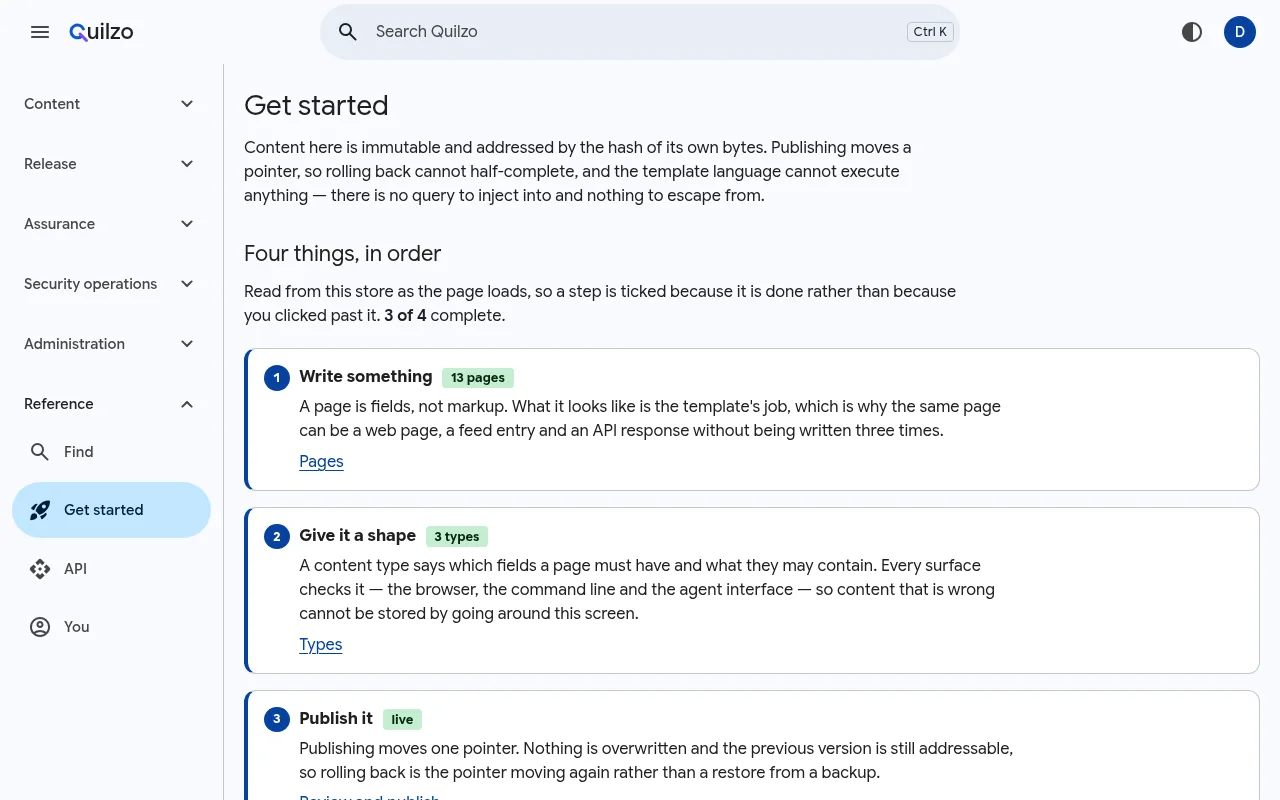
The menu on the left groups the screens: Content, Release, Assurance, Security operations, Administration and Reference. To jump anywhere, press Ctrl K (⌘ K on a Mac) and type: Find covers every screen, page, setting and content type.
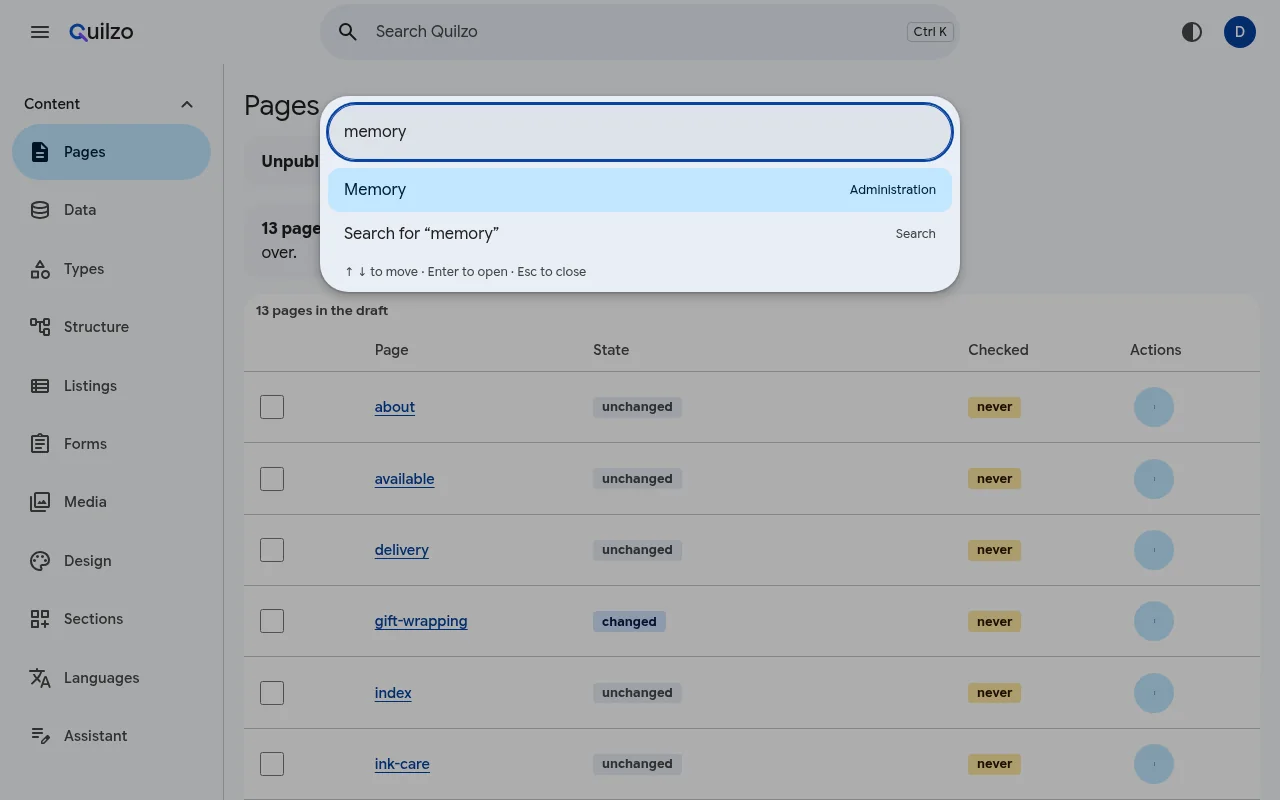
quilzo find WORDS on the command line.Every screen has a Help link in its footer that opens the guide for that screen. What you may do, your sessions, and how the admin looks to you are under Reference › You.
Run your first agent
-
Declare one
A retrieval agent answers questions from published content and cannot write anything. It is where most agents should start.
quilzo agent new help-desk --kind retrievaldeclared help-desk (retrieval) Answer questions using published content only. capabilities read_page, list_pages, search_pages, similar_pages autonomy propose -
Run it without a model
With no model, a run tries each capability once. It shows what the store answers and what the gate allows, which makes it a cheap first test.
quilzo agent run help-desk -
Connect a model and ask it something
Point Quilzo at any OpenAI-compatible endpoint. A local model through Ollama is enough; nothing leaves the machine.
export QUILZO_MODEL_URL=http://127.0.0.1:11434/v1
export QUILZO_MODEL=llama3.1
quilzo agent run --model help-desk "Can I return an opened bottle of ink?"
The model picks each step from the agent's declared capabilities and cannot add to them. Every run is kept, and you can read it step by step:
quilzo agent runs
quilzo agent trace RUN
help-desk complete Can I return an opened bottle of ink? 1 search_pages done 1 page(s) match, best first: returns 2 read_page done body: Thirty days, unused, and we pay the postage back. Ink is the exception… 3 finished done done
Publish the site
The public site is a second process with no editing surface, so the part facing the internet cannot change anything.
quilzo site --addr 127.0.0.1:8081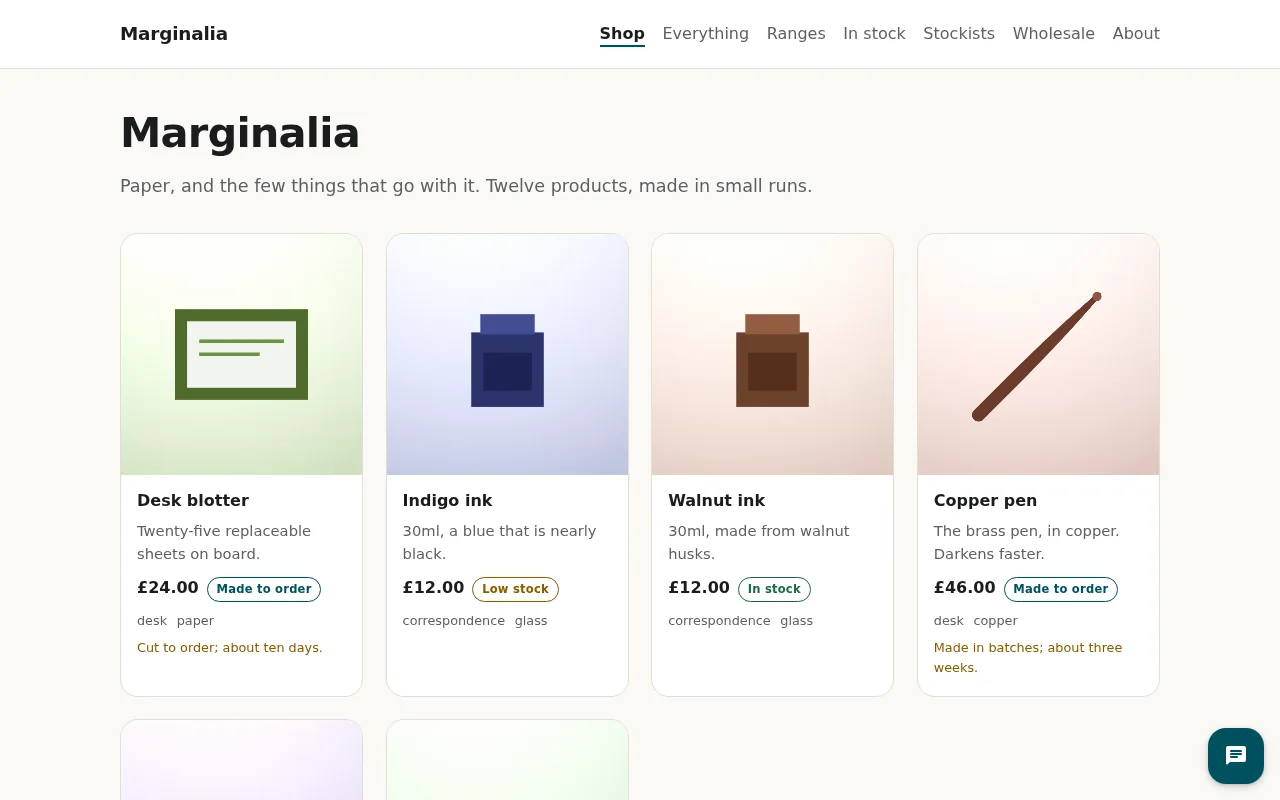
quilzo site.Three ways in, one set of rules
Everything is reachable from the admin, from the command line (quilzo help lists every command, and each one takes --json), and from the agent interface over MCP. A rule enforced in one of them is enforced in all three, because they share one code path.
Where to go next
Build an AI agent
Declare one in the admin, have it ask before it acts, and read its runs.
Connect models
Routes, budgets in money, and personal data kept out of prompts.
Add a chatbot
Answers from your published pages, with a citation on every sentence.
Run it in production
TLS, two processes, a service account, backups and upgrades.