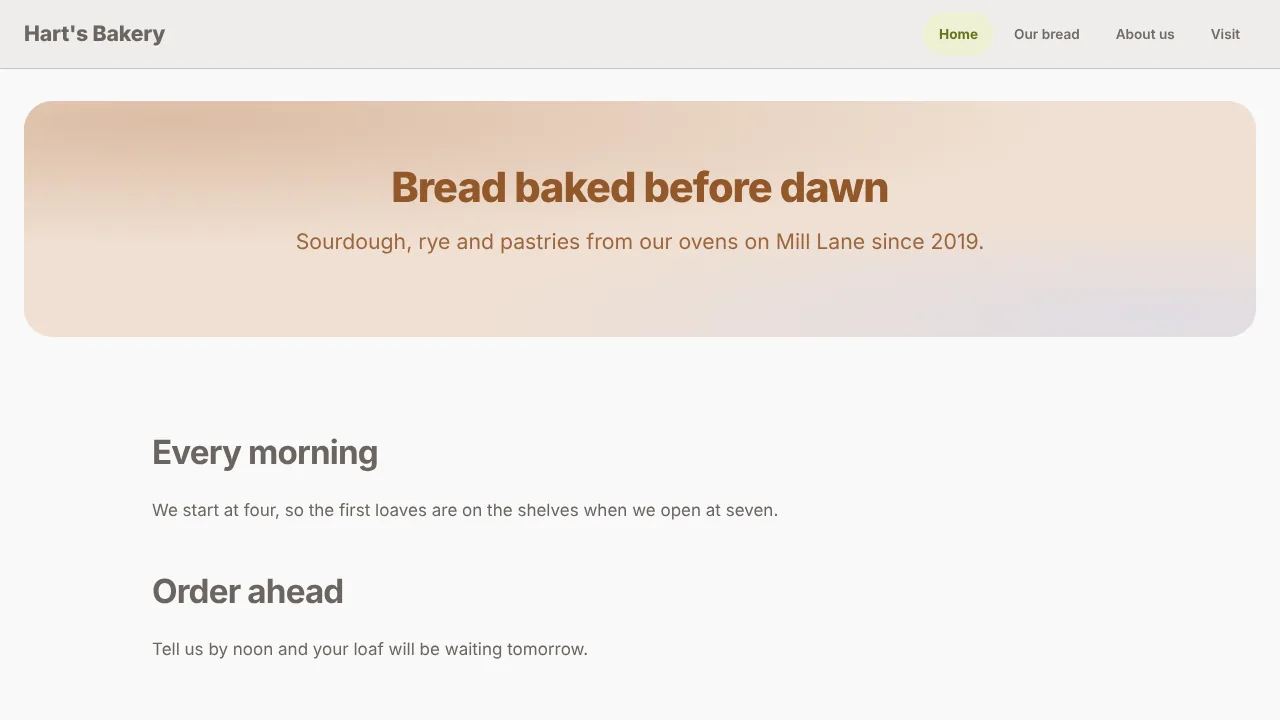
Bring your site from anywhere, by its address or its export
Give Quilzo your old site's address, or the file it exported. It reads the site the way a careful visitor would and hands you all of it as one package to read before anything changes.
In the adminMake
Most sites somebody wants to move have no export file, but every site has pages. Bring your site reads a live site by its address, whatever it was built with: Wix, Squarespace, Webflow, WordPress, dotCMS, Drupal or pages written by hand. A site that can export itself comes in from the file instead, with its posts as a blog. Either way it becomes a site package, which you read and install as one decision.
Bring it in
# read it and write the package, to read first
quilzo site import https://your-old-site.example
# or read it and install it
quilzo site import https://your-old-site.example --install
quilzo publish
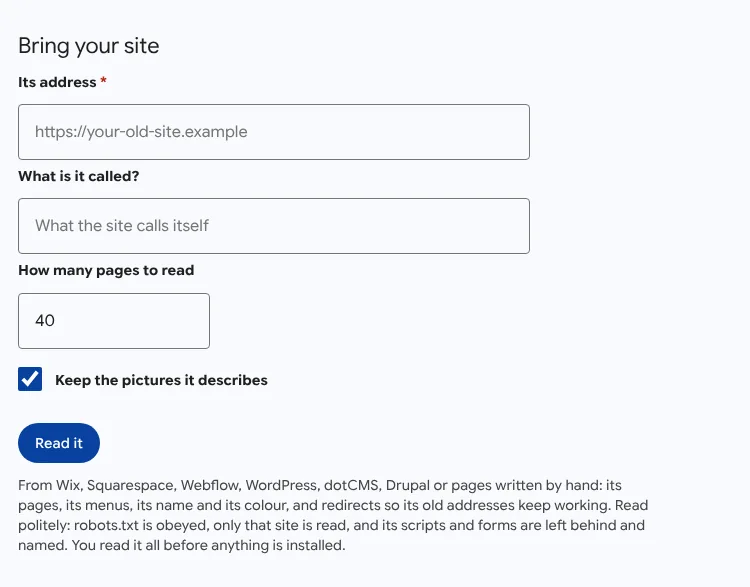
In the admin, Make › Bring your site asks for the address, what the site is called (what it calls itself by default), how many pages to read, and whether to keep its pictures. You see the package before anything is installed.
| Option | What it does |
|---|---|
--pages N | How many pages to read: 60 by default from the command line, 40 from the Make screen, 400 at most. The site's top pages are read first. |
--name NAME | What the site is called, when not what it calls itself. |
--no-pictures | Leave the pictures behind. |
-o FILE | Where to write the package; its name and .json by default. The redirects are written beside it too, so you can read them. |
--install | Install it as well, as quilzo feature install would. |
--take-site | With --install: let it take over a site somebody set up by hand. |
From the file it exported
An export says what a crawl cannot see: which pages are posts, when each went out, who wrote it, and its tags. Give the file, or a folder, instead of the address:
quilzo site import oldsite.WordPress.2026-10-29.xml --install
quilzo site import crumb.ghost.json --site https://crumb.example --install
quilzo site import ./my-hugo-site --install
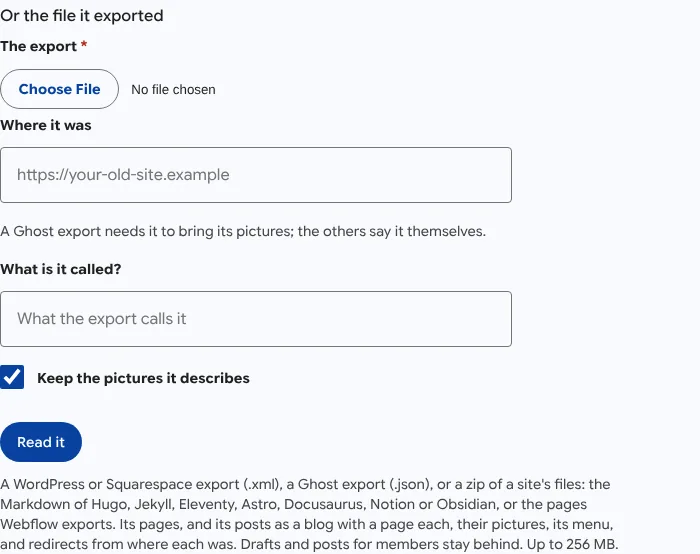
On Make › Bring your site, choose the file under Or the file it exported. A folder goes there as a zip.
| From | Give it |
|---|---|
| WordPress, WordPress.com | Tools › Export › All content: the .xml file |
| Squarespace | Settings › Export: the WordPress export it writes, a .xml file |
| Ghost | Settings › Export: the .json file, and the address the site was at, so its pictures can be brought |
| Hugo, Jekyll, Eleventy, Astro, Docusaurus, Gatsby | The site's source folder, or a zip of it: the Markdown it is built from, its pictures and its settings |
| Notion, Obsidian | The Markdown export, as a zip |
| Webflow, or any site of plain pages | The zip of its pages |
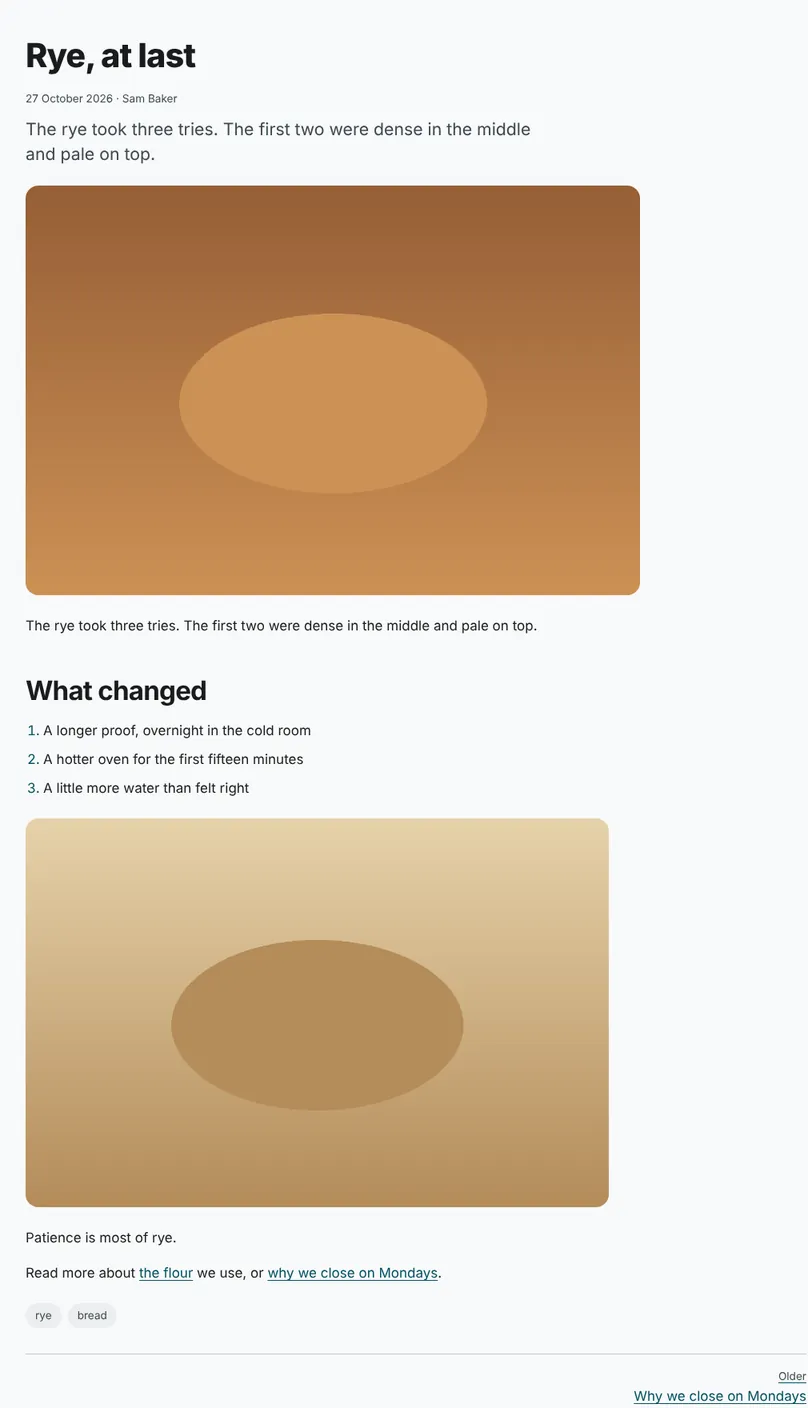
Pages come in as pages. Posts become the blog, each at /post/its-link with its picture, author, tags, dates and the pictures among its words, and the home page lists the newest. A link from one page or post to another goes to where it is now, and every old address, including a post's other addresses, redirects there.
What an export holds that is not ready for everybody stays behind and is counted on the card: drafts, scheduled and private posts, and posts for members or paying subscribers, which moving must not make public. So do comments, which posts here do not take yet, and a generator's shortcodes, whose words are kept. A Markdown site's templates and scripts are never run.
Nothing in the file is fetched while it is read. A folder is read through a root that nothing outside it can be reached from, and its pictures are its own files; an export's pictures come through the same fetcher as a crawl's. The posts travel as records named by the hash of the file they wait in, so the package stays one you can read, and they are written once, when it is first installed. Bringing a site is for a site that does not have one yet: on one with a blog or a home page already, the install refuses and says which parts.
How it reads a site
- Politely. robots.txt is read first and obeyed. Each request waits for the one before, with a pause between them, and the whole read stops at the page budget.
- Only that site. Pages are found from the site's own map of itself (
sitemap.xml) when it publishes one, and from its links when it does not. Only that host is read, with or withoutwww., through the fetcher that refuses private and internal addresses. - Its content, not its frame. Each page's main content is read. The header, footer and navigation are left out, and so are scripts, frames and forms.
What it brings
| On the old site | In the package |
|---|---|
| Each page's main heading and first short paragraph | The page's title and its hero |
| Its other headings and paragraphs | Prose sections, in the same order, keeping their links, bold and italic; lists, numbered lists and quotations keep their shape, and a table's rows read as lines |
| Pictures with a description (alt text) | Kept in the media library with that description and where it came from, made smaller and stripped of location data like any upload |
| Its navigation | The main and footer menus |
| Its name and theme colour | The site's name and look; a colour the theme would refuse for contrast is left out |
Old addresses such as /About_Us.html | Redirects to the new pages, so links and search results keep working |
Every brought site also gets a question box that answers visitors from the site's own pages.
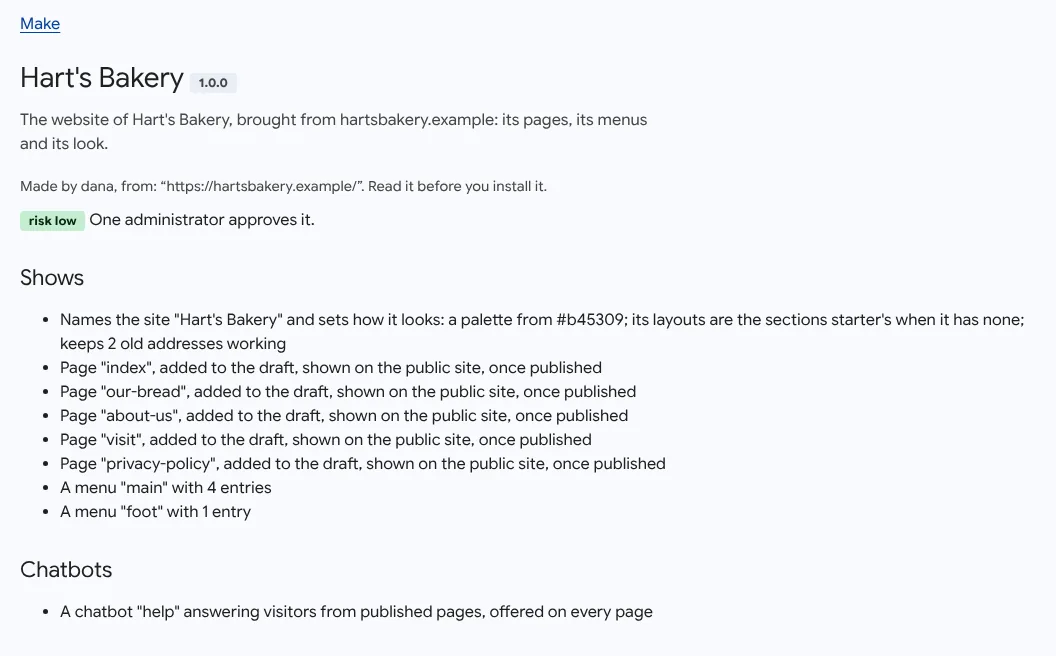
What it leaves behind, and says so
The card lists what did not come, so nothing goes missing without you knowing:
- Pictures with no description. They are left out rather than given a description nobody wrote. Add them with
quilzo media add FILE --alt "…". - Forms. A form here says what it asks, why, and how long answers are kept, which an old form's markup cannot tell you. Declare yours on the Forms screen, in
forms.json, or in a feature package (see Forms and Make features as packages). - Scripts and frames, such as trackers, embedded maps and widgets. The site's own security policy would block them anyway.
- Pages robots.txt asked not to be read, pages that did not answer, pages with no words, and pages past the budget.
Old addresses keep working
A site package can carry redirects, and a brought site carries one for every address that changed. On install they go into the site's own redirect map, redirects.json in the store. Removing the package takes them out again. They follow a few rules:
- A package can only redirect to its own pages, never off the site.
- A package cannot redirect from one of its own pages either: redirects are served before pages, so that would hide the page.
- A redirect you set yourself for the same old address stays yours.
- A redirect that would hide a page your site already has is left out, and the audit record counts it.
quilzo site serves the site's redirect map, with any --redirects file laid over it, and quilzo export carries it, so the old addresses keep working wherever the site goes next (see Import and export).
Asking an agent to do it
An agent connected over MCP can bring a site in with site_import, up to thirty pages. What it brings waits as a proposal for you to read and install (see the site crew). It leaves the pictures behind, since nothing an agent brings is kept before you decide; bring the site in from Make to keep them.
After it is in
The pages are in the draft, marked as carried over by software, so the AI-content disclosure is right (see Provenance). Read them, change what you like, and publish. Moving off your old host can wait until the new site is live.