Review, publish, schedule and roll back
Publishing moves a pointer, so it cannot half-complete and rolling back is instant.
In the adminReviewPublishingHistoryNotes
Review what changed
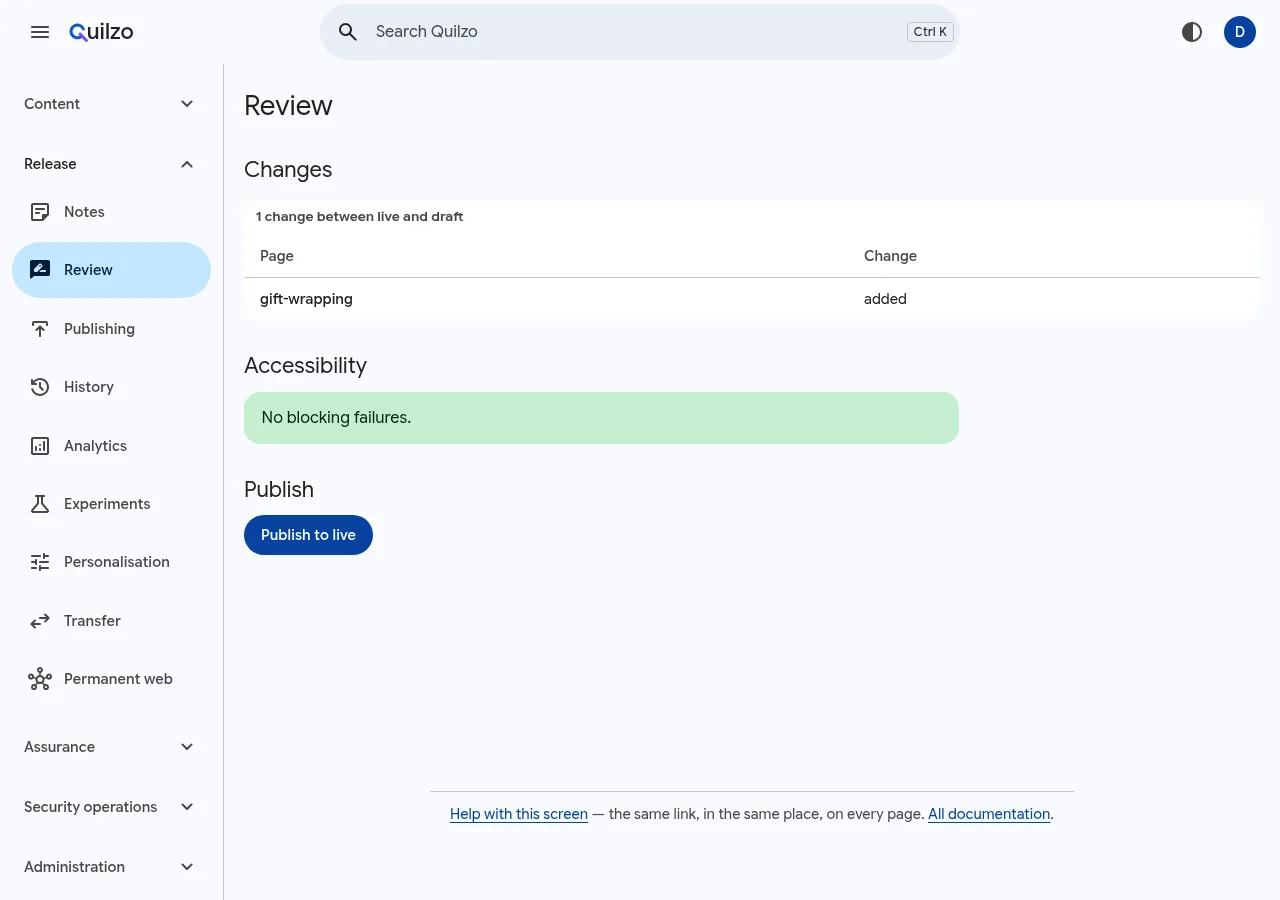
What is about to change, and what the checks say. To Run Who has agreed quilzo review statusAgree to it (authors cannot) quilzo review approve --note "..."Require approvals quilzo review require 2Let the gates run
Accessibility, provenance, claims that need substantiating, image rights and content scans stop a publish rather than warn. Each can be overridden with a reason, and the reason is recorded.
quilzo a11y
quilzo provenance check
quilzo brand check
quilzo scan
Publish
quilzo publish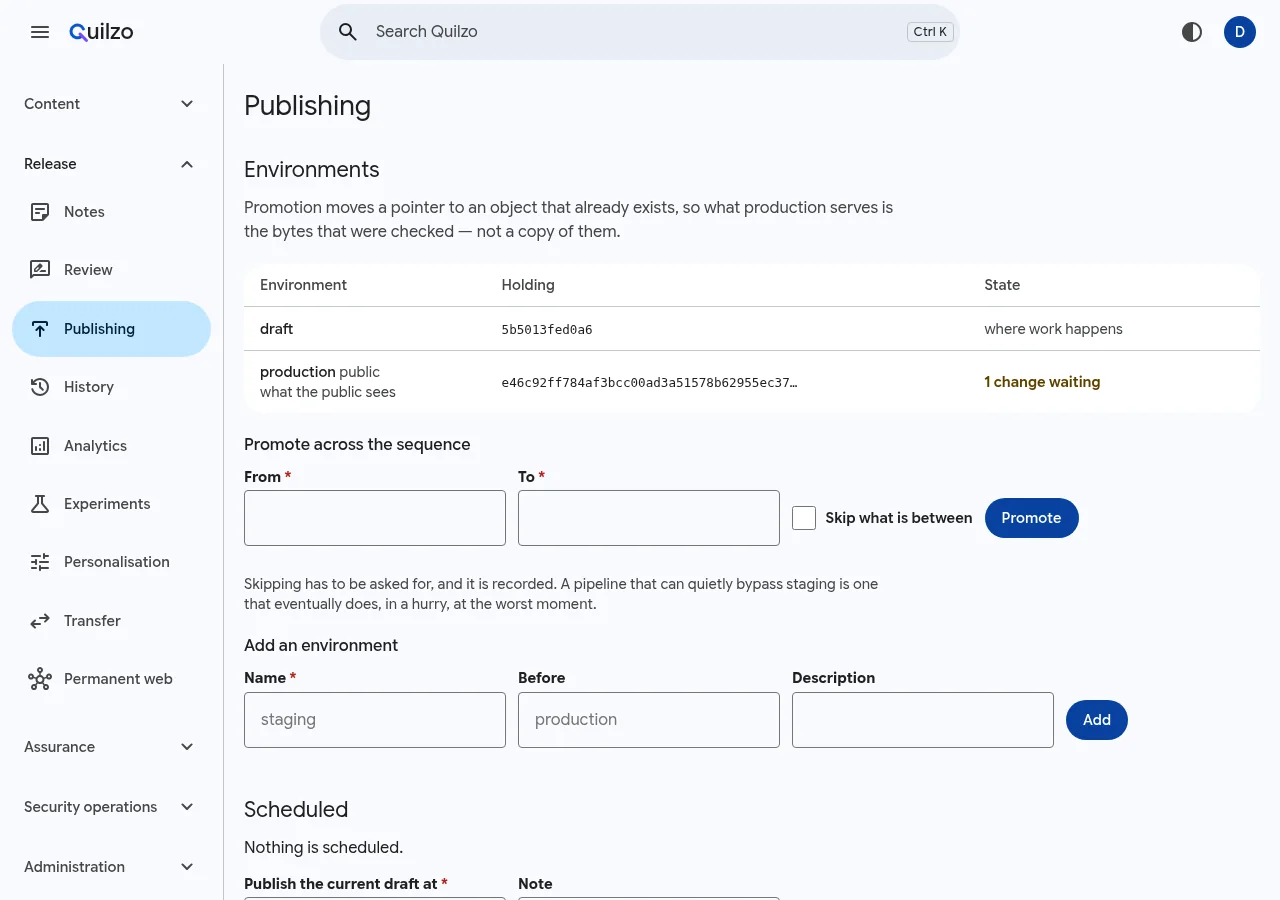
Environments and what is waiting. Roll back if you need to
Going back returns to a version that was live before, from Release › History, where each version's Status says live, was live (with Make live beside it) or never published, or from the command line. A version that was saved and never published is not offered: it goes live through Review, where it is checked.
quilzo rollback --steps 1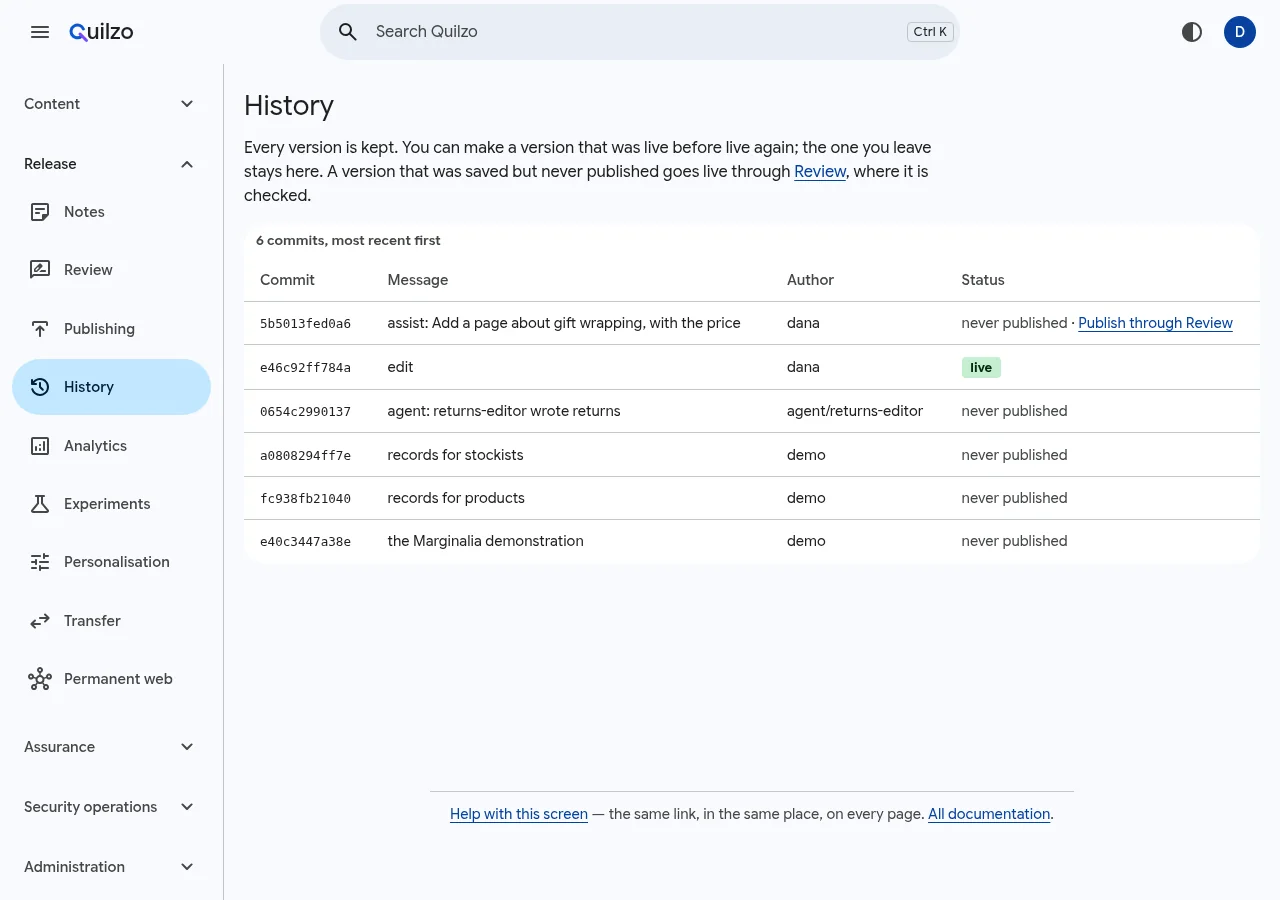
Every version, still stored.
Environments and scheduling
| To | Run |
|---|---|
| Add a stage | quilzo env add staging --before production |
| Promote: the same bytes | quilzo env promote staging production |
| Compare | quilzo env diff staging production |
| Publish later | quilzo schedule add 48h |
| Call it off | quilzo schedule cancel ID |